
Step 1 of 6 · Project
Pick your project and screenplay
Choose a Storyvord project and the draft to pitch from, or drop in a new screenplay as PDF, FDX or Fountain.
NewPitch Deck Studio is here
Upload your script and the AI drafts your logline, story, characters, look and storyboards. Review it, edit any slide, then share it.







Most pitch decks start as a blank slide, then eat weeks of layout, concept art and rewrites. Your screenplay already holds the story. We turn it into the deck.
Six steps from script to deck. Fill in what you know and the AI drafts the rest from your screenplay.
Step 1 of 6 · Project
Choose a Storyvord project and the draft to pitch from, or drop in a new screenplay as PDF, FDX or Fountain.
Step 2 of 6 · Story
Add the title, format and setting. Then press Draft from script and the AI writes your theme, logline and synopsis from the screenplay itself.
Step 3 of 6 · Director
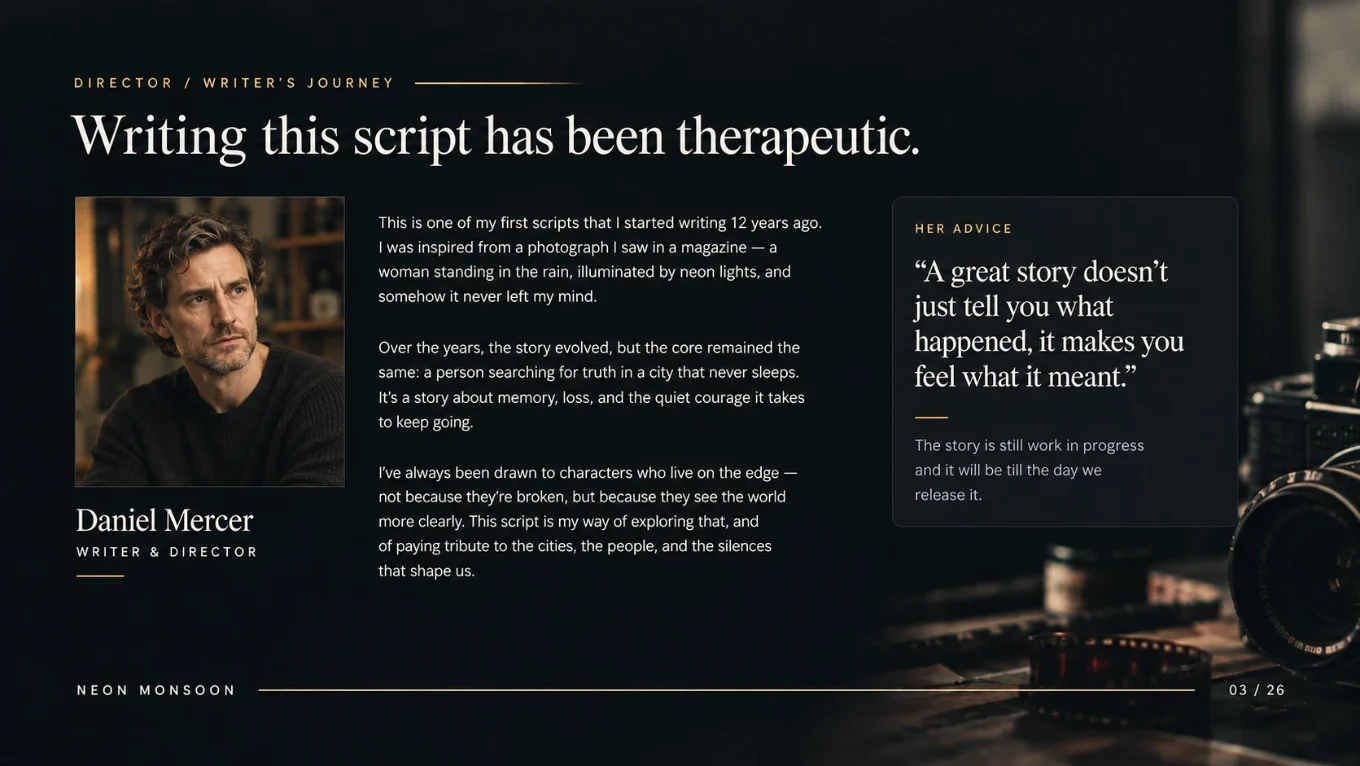
Add your photo, role, creative journey and a pull quote. Your journey is used word for word. The AI never rewrites it.
Step 4 of 6 · Visuals
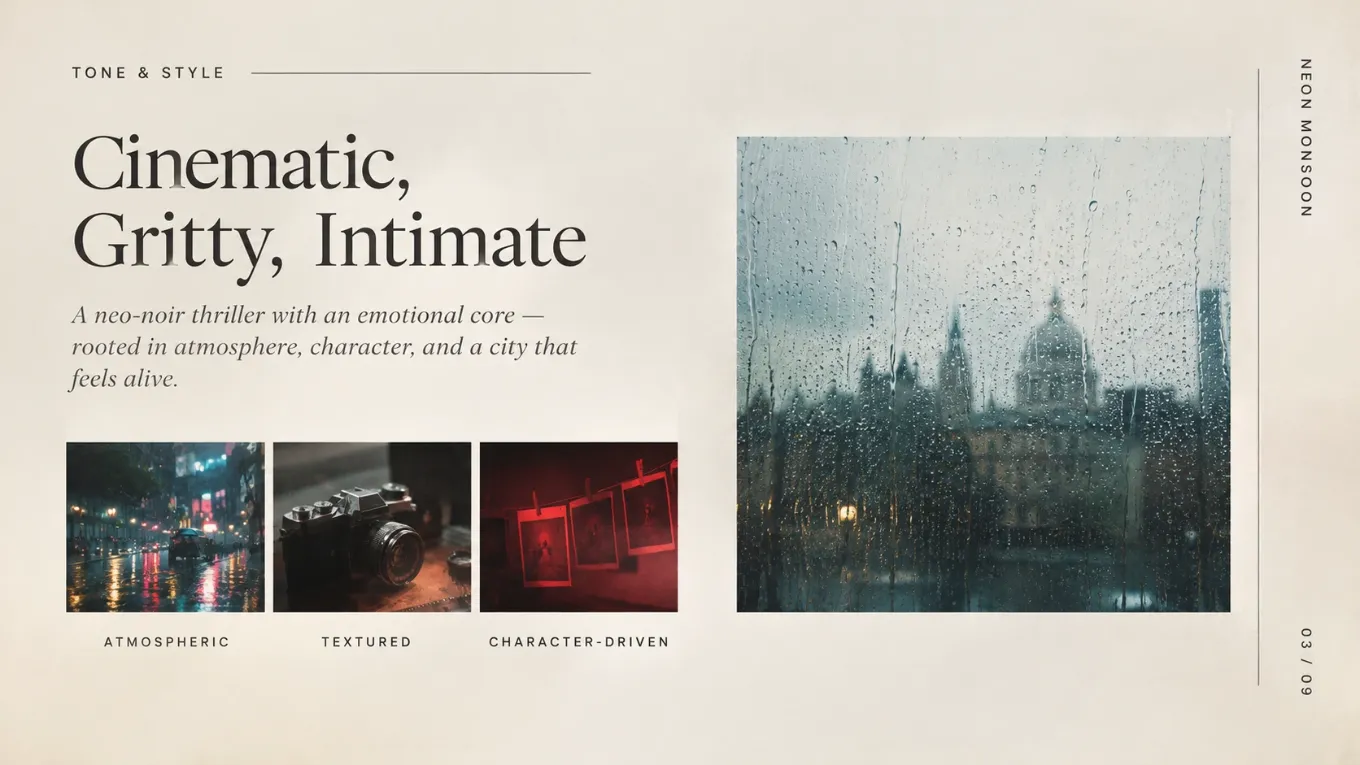
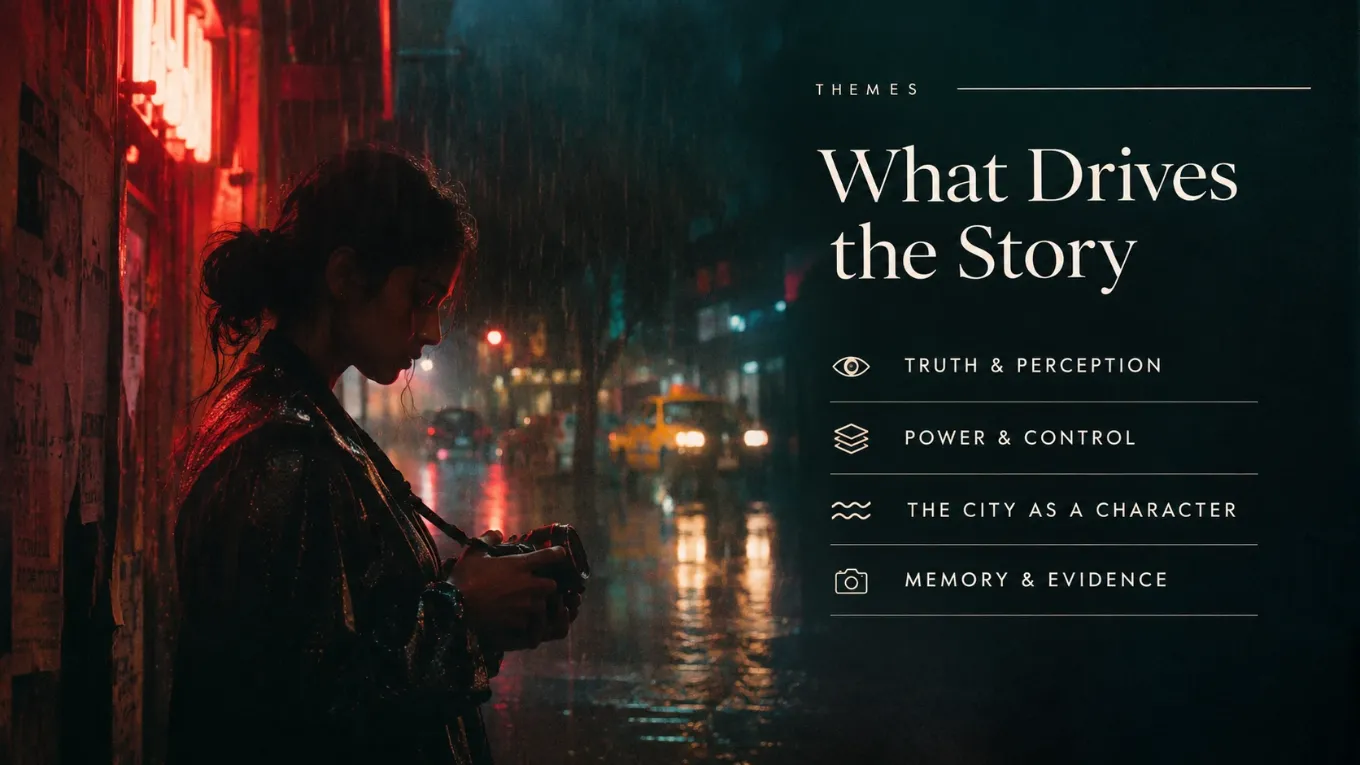
Upload your own images or generate a cover in one click. Six storyboard frames bring key scenes to life, and you can reframe anything later in the editor.
Step 5 of 6 · Context
Why this film now, production plans, casting ideas. Attach treatments, research or a previous deck. Readers never see this page. It only guides the AI.
Step 6 of 6 · Review
Check everything in one place, then generate the deck. Every slide stays editable, so nothing you see is final until you say so.
The editor
Type what you want changed, or tap Make it punchier, Shorter text or More cinematic picture.
01 / 07Built for filmmakers
The AI does the drafting. You keep the authorship, every version and the final word.
Your director's journey goes into the deck exactly as you wrote it. The AI drafts around it and never rewrites it.
A version is saved before every regeneration and every restore. Name the ones that matter, like "Sent to the financier".
Speaker notes for every slide, then present, share or export when the deck is ready.
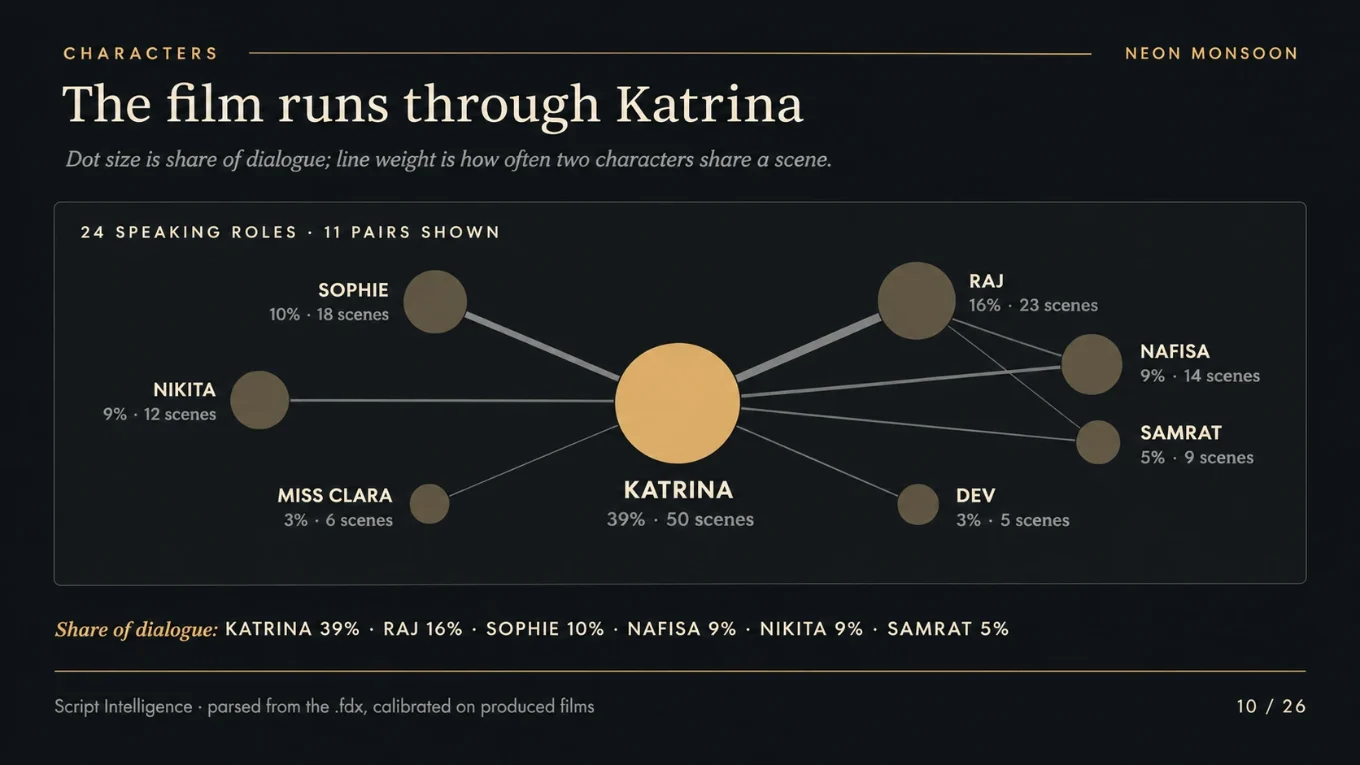
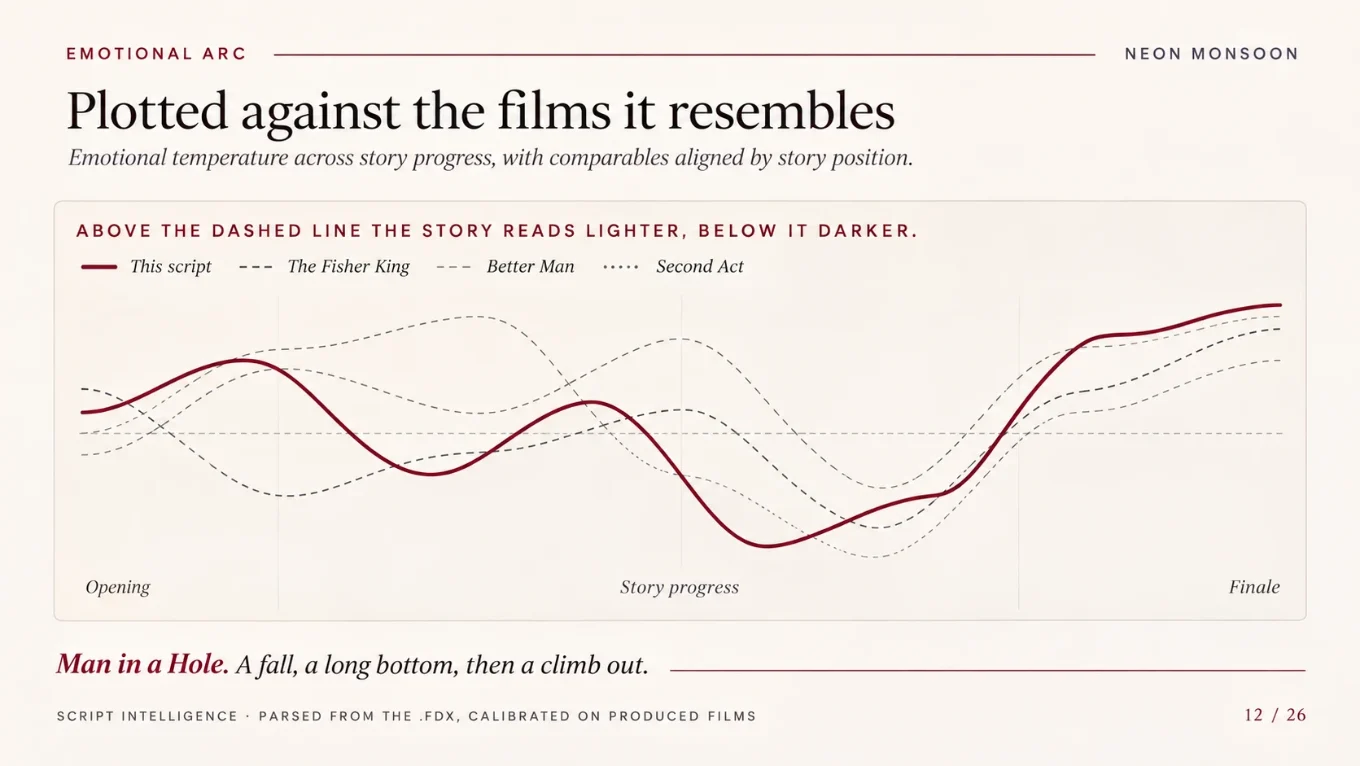
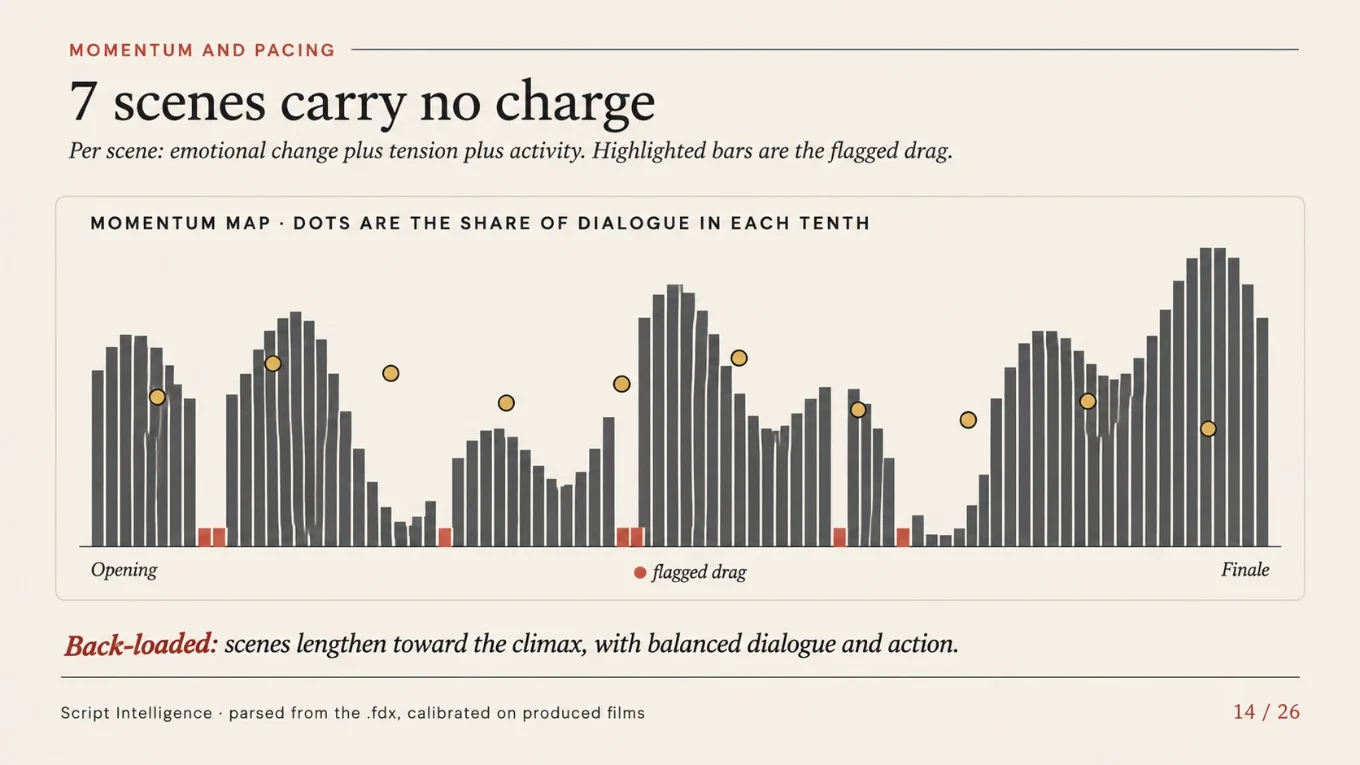
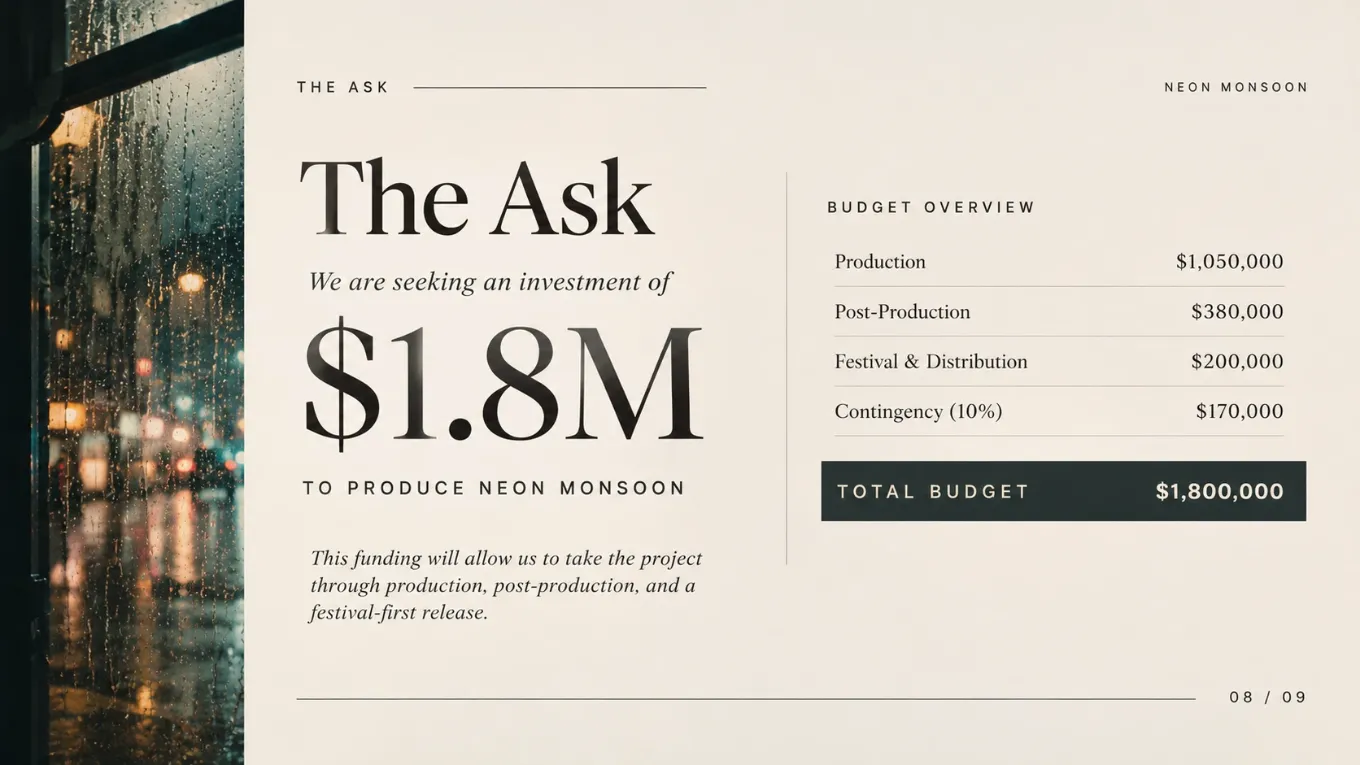
One screenplay, one deck: cover, logline, synopsis, characters, look, storyboards and the ask.

FAQ

Have more questions?
Feel free to contact us
or
Email us at [email protected]
Call us on +44 7512 699220
PDF, FDX and Fountain. If your screenplay is already in a Storyvord project, just pick it from the list.
No. Your creative journey is used word for word. Leave it empty and that page is skipped.
The whole screenplay, from beginning to end, within the model's context limit. It also reads the details you add and any context files you attach.
You choose the image model before drawing, such as Seedream 5.0 Pro. Images use credits, and you see the total before anything is drawn.
Restore an earlier version. One is saved before every regeneration and every restore, and you can name your own.
No. The deck is laid out for you. Pick a theme, then change any block's colour, size or alignment if you want to.
Upload your screenplay and get a first draft of your deck today.